Multiple locations, different needs: organize your pet business branches with Gespet
You’ve opened a second dog grooming salon. Your first also offers daycare, while the new location has different hours, services and prices. You want to keep using Gespet at both, with each salon set up for the way it works.
Your business can grow while each branch keeps its own way of working. With a separate Gespet account for each location, you can organize its customers, pets, schedule and services and choose the modules it needs.
It’s a powerful, flexible solution for grooming salons, pet hotels, dog training schools and pet shops with multiple branches. Let’s look at a practical example.
Meet John: three locations, three different needs
Imagine John owns three dog grooming salons. One also looks after dogs during the day, while another sells pet food and accessories. He wants each business to have the right tools for the services it offers.
For this example, we’ll call them Orange Branch, Green Branch and Blue Branch. They could be in the same city, in different regions or even in different countries.
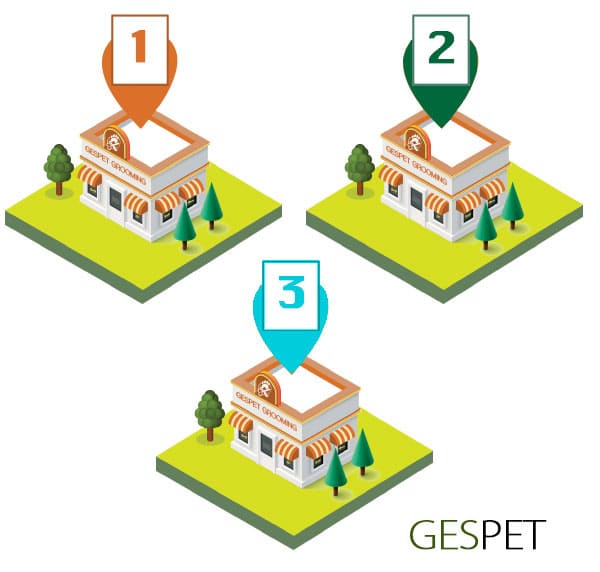
A separate Gespet account organizes the day-to-day work at each branch.
1. Set up an account for each location
John has one account for Orange Branch, another for Green Branch and a third for Blue Branch. Each account holds that location’s customers and pets, schedule and prices.
When he works in the Green Branch account, he sees that salon’s appointments and services. When he needs to check what’s happening at Blue Branch, he signs in to its account and works with that location’s records.
This keeps each branch’s data separate and its day-to-day management tailored to the services it provides, while everyone uses Gespet as their business software.
2. Tailor the settings to each branch
Your locations don’t all have to work in the same way. Each account can have its own schedule, services, rates, product prices and logo.
For example, John can set up the grooming services and prices offered at Green Branch, while Blue Branch has its own selection of services and products. Each team works with the setup for its location.
If his locations are in different countries, he can also choose the time zone, currency and language for each account, so its settings suit that branch.
3. Choose modules to match each location’s services
All three of John’s locations offer grooming, but their other services vary. Here’s the combination each one needs:
| Location | Modules | What it manages |
|---|---|---|
| Orange Branch | Grooming + Daycare | Grooming appointments and daycare stays. |
| Green Branch | Grooming | The salon’s schedule, services and prices. |
| Blue Branch | Grooming + Pet Shop | Grooming appointments and pet product sales. |
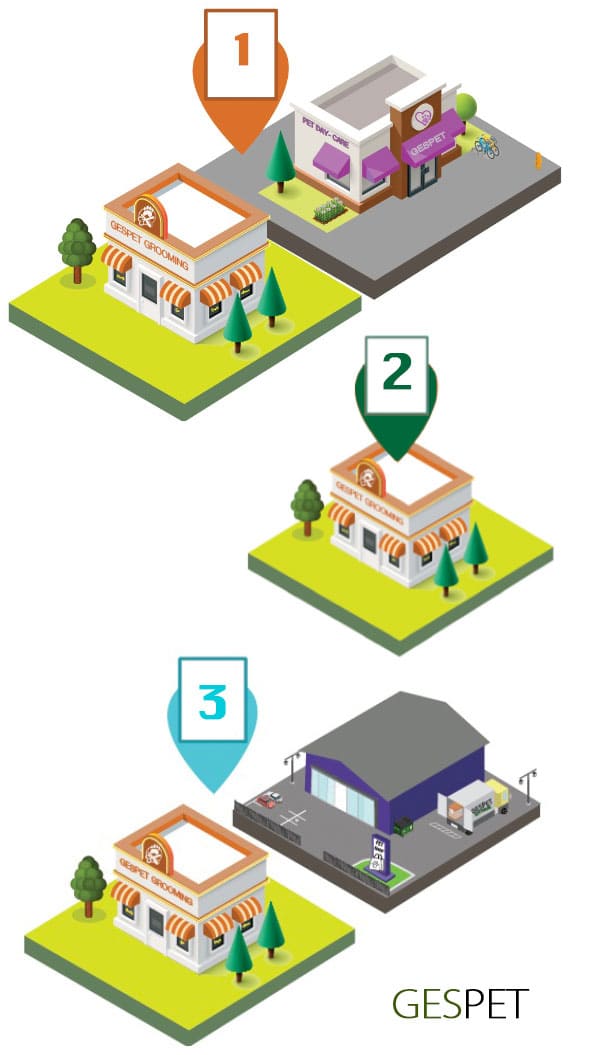
Each account includes the modules needed for the services offered at that location.
What does this mean for John? Orange Branch has tools for both grooming appointments and daycare; Green Branch focuses on running the salon; and Blue Branch can manage its grooming services and shop sales.
The same approach works for other pet businesses: a boarding kennel that adds dog training, a daycare that starts offering grooming, or a pet shop opening another store. Choose the modules to fit what each location offers.
4. Sign in to the location you want to work with
Suppose John starts by checking billing at Orange Branch, then wants to look at Blue Branch’s schedule. He signs in to the relevant account for each task.
To work with one account at a time: sign out of the current account before signing in to the next.
To keep several accounts open at once: use different browsers, separate browser profiles, or a regular window alongside an incognito window. Each account then has its own session.
Opening another tab or window in the same profile does not separate sessions. Multiple incognito windows may also share a session.
John can work with each location’s own records and settings, whether he’s checking appointments or handling its day-to-day management.
Open new locations with software you already know
A new branch brings plenty of decisions: which services to offer, how to organize the schedule and what tools the team needs. You can keep using Gespet as your business grows by setting up an account for the new location and choosing its modules.
If an existing branch adds another activity, you can add the corresponding module to its account. Green Branch, for example, could add Pet Shop when it starts selling pet products.
It’s a practical way to expand, keep each location organized and continue working with a professional solution you’re already familiar with.
For more detail, see our practical guide to running a pet business with multiple branches.
Tell us about your locations
Do you run several grooming salons, pet hotels or locations offering a mix of services? Tell us how many locations you have and what each one offers. We’ll help you find the Gespet setup that fits your business.
Let’s set up my locations with Gespet
If you haven’t used the software yet, you can also try Gespet for free and explore its business management tools.
1 . Can I use Gespet if my pet business has multiple locations?
2 . How can I organize several pet hotels or boarding kennels?
3 . Can my dog daycare locations have different schedules and services?
4 . Can I manage several dog grooming salons with different prices?
5 . How can I organize multiple locations for my dog training business?
6 . Can I use Gespet for several veterinary clinics?
7 . Can each pet shop manage its own product catalog and prices?
8 . Can I combine grooming, daycare and retail at different locations?
9 . How do I access my different branch accounts in Gespet?
10 . Can I set up pet business locations in different countries?
Did you find it interesting?
If you have any questions, you want to propose that we write a help guide or a post on a topic or you just want to chat with us, don't hesitate. We are delighted to talk with you and get your opinion.